The planner that plans with you.
Planlark is the first lesson planner where AI isn't a sidebar — it's the foundation. Plan by voice, adapt in real time, and end every day knowing what comes next.
Currently in early access. No credit card required.
Planning shouldn't feel like a second job.
Teachers spend 7–12 hours a week on planning. Not because they aren't efficient — but because the tools they have were never designed for the reality of teaching multiple classes, adapting on the fly, and carrying forward what they learned today into tomorrow's plan.
The real problem
The tools you have weren't built for this
Static planners ignore your reality
Most tools assume every week looks the same. But teachers with rotating schedules, split classes, and shifting timetables need a planner that computes the real picture — not a blank template.
AI is bolted on, not built in
Generic AI assistants can generate a lesson plan. But they don't know your schedule, your students, or that you already taught fractions last Tuesday. Without context, suggestions are just noise.
Planning is disconnected from teaching
You plan a lesson, teach it, and never look back. There's no structured way to reflect on what actually happened — what worked, what didn't, and what to adjust for next time.
What makes Planlark different
AI woven in, not bolted on.
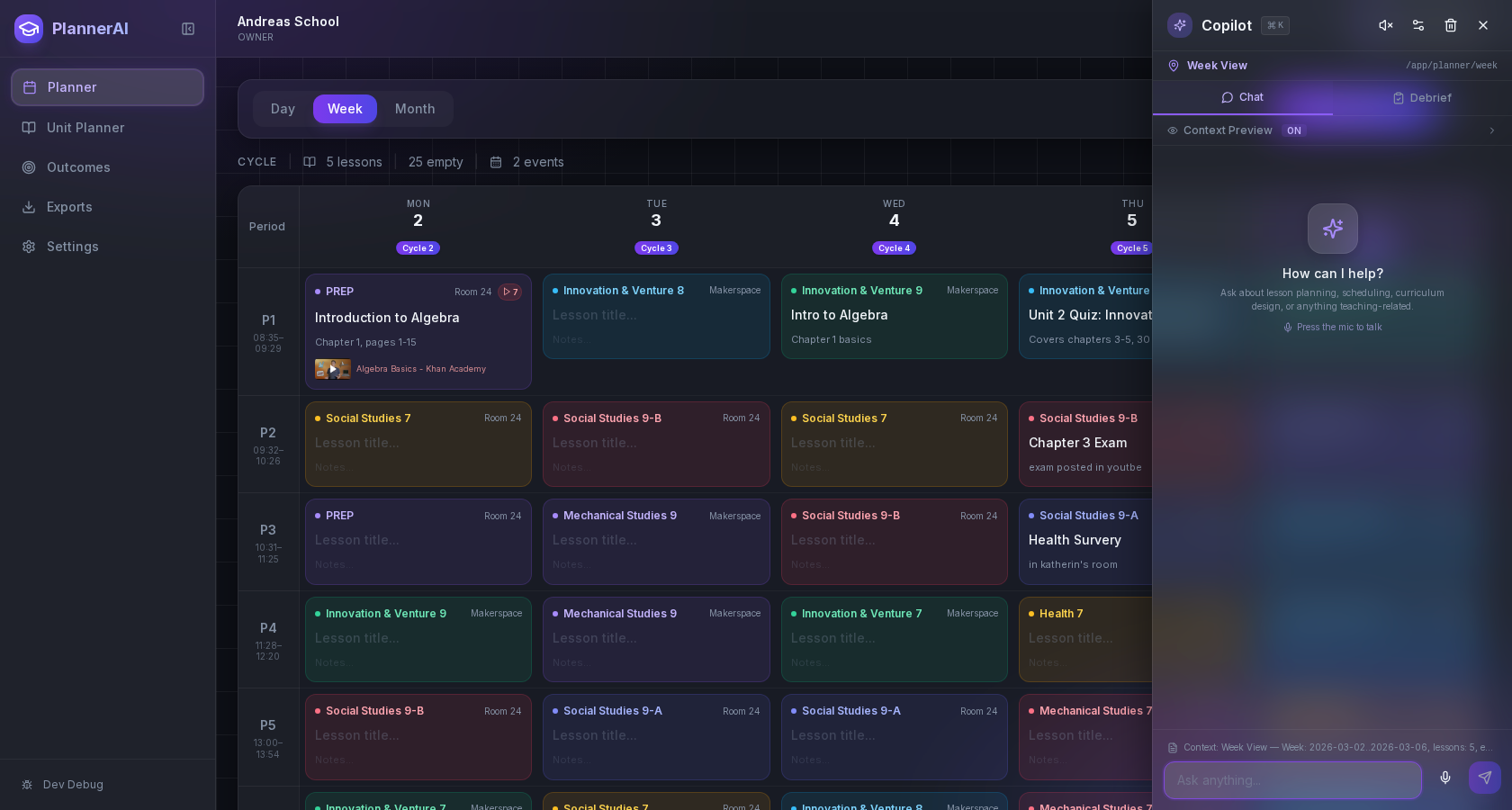
Most planning tools hand you a chatbot and call it AI. Planlark is fundamentally different — intelligence is built into the planner itself. The AI knows your schedule, your classes, your curriculum, and what you taught last week. It doesn't just generate content. It thinks alongside you.
Schedule-aware AI
Understands your timetable, cycle days, and class history
Voice-first planning
Speak your plan — the AI structures it for you
Daily reflection loop
Plan, teach, debrief, improve — every day
Teaching memory
Remembers what worked and suggests what comes next
Capabilities
Everything a teacher needs to plan well
Every feature is designed around the daily reality of teaching — not a generic project management template.
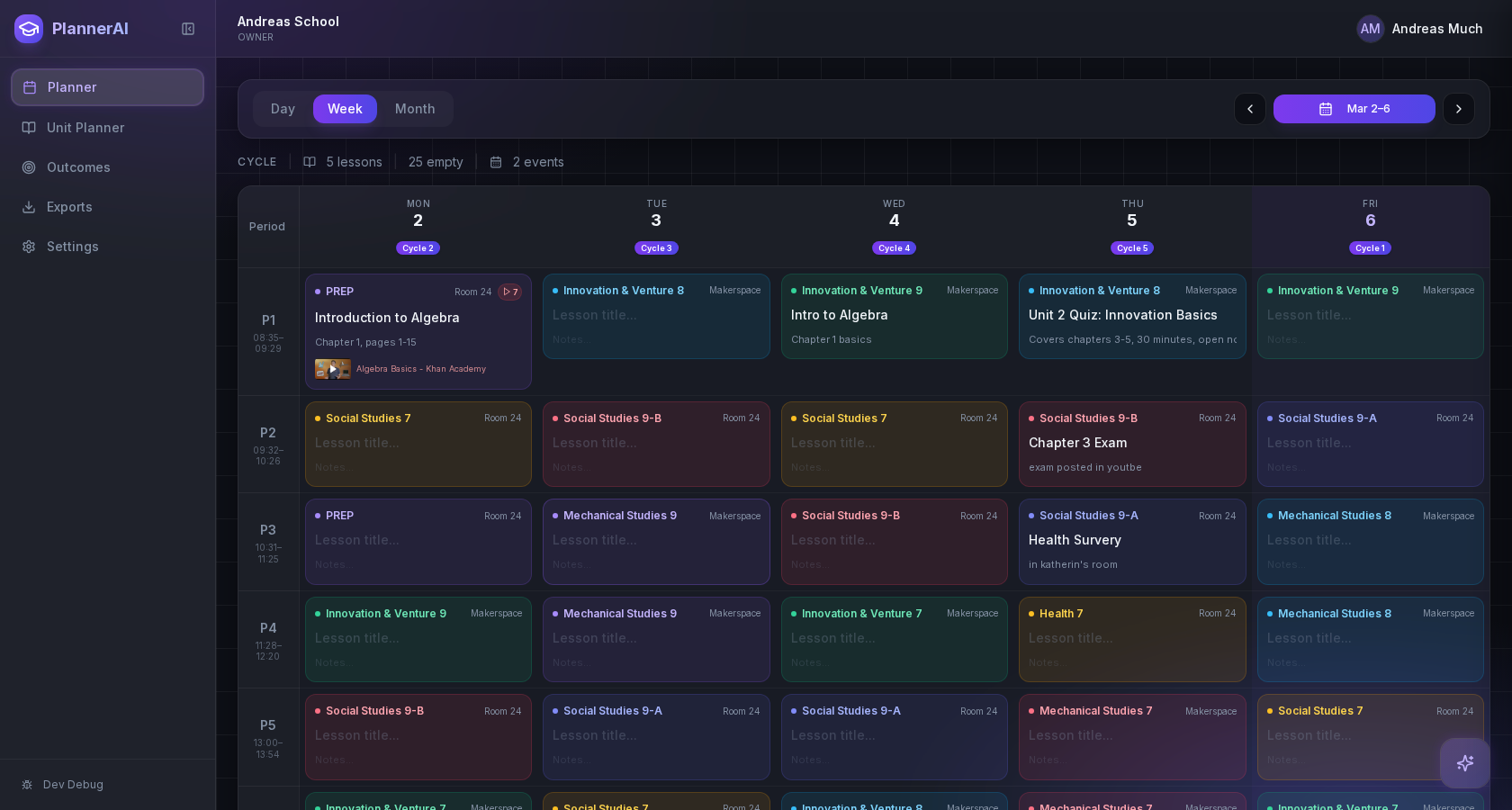
Your entire week, at a glance
A clean weekly grid that shows every class, period, and room — with automatic cycle day computation, holiday handling, and schedule overrides built in.
- Supports 2–8 day rotating schedules automatically
- Color-coded class blocks with room and time info
- Copy and reuse lessons across classes with one click
Deep planning inside every cell
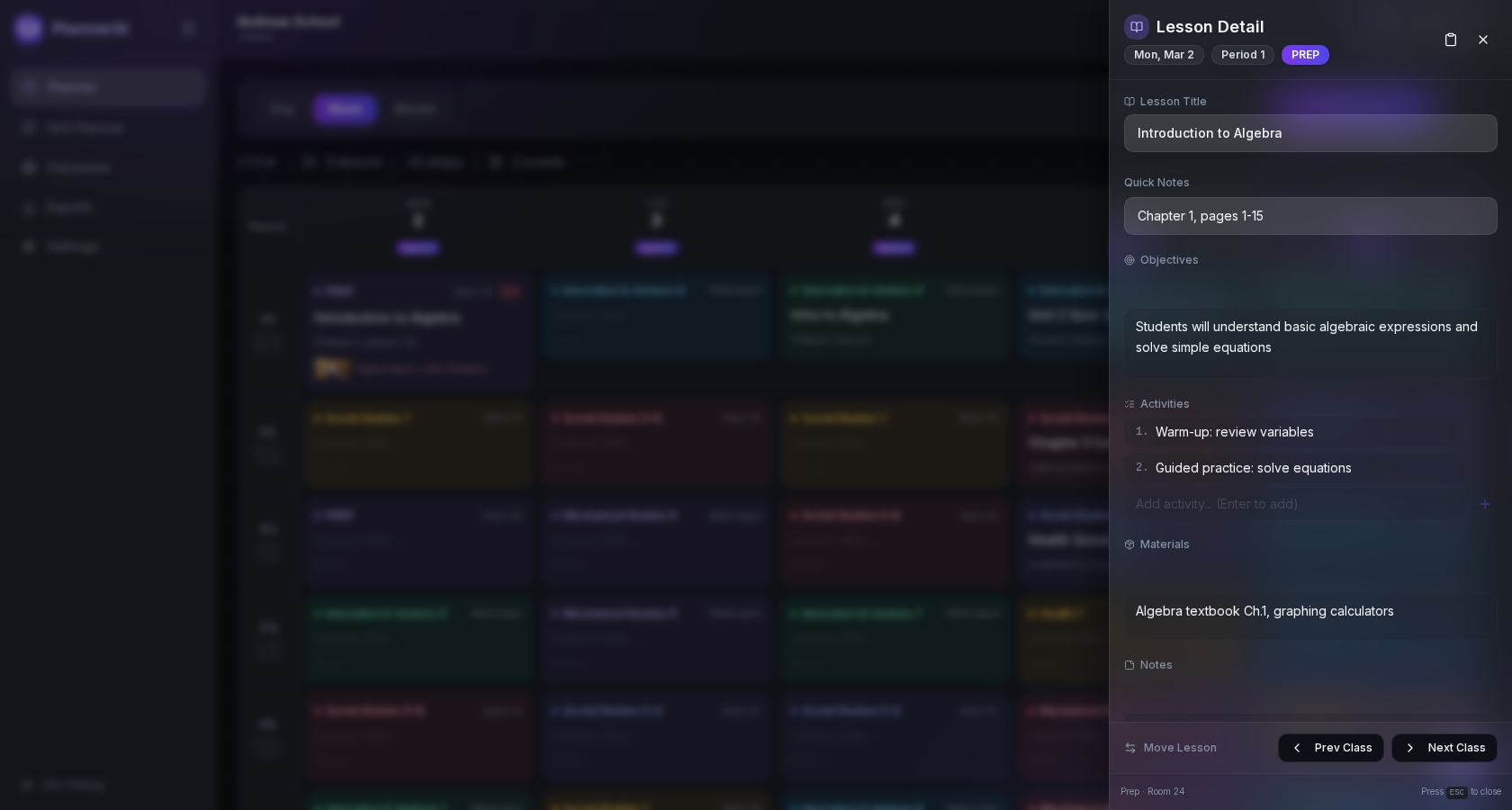
Open any lesson to write objectives, plan activities, list materials, attach videos or documents, and track homework — all without leaving the planner.
- Rich text editor for objectives, procedures, and notes
- Attach YouTube videos, Drive docs, or any link
- Curriculum outcomes linked directly to each lesson
Know exactly what you've covered
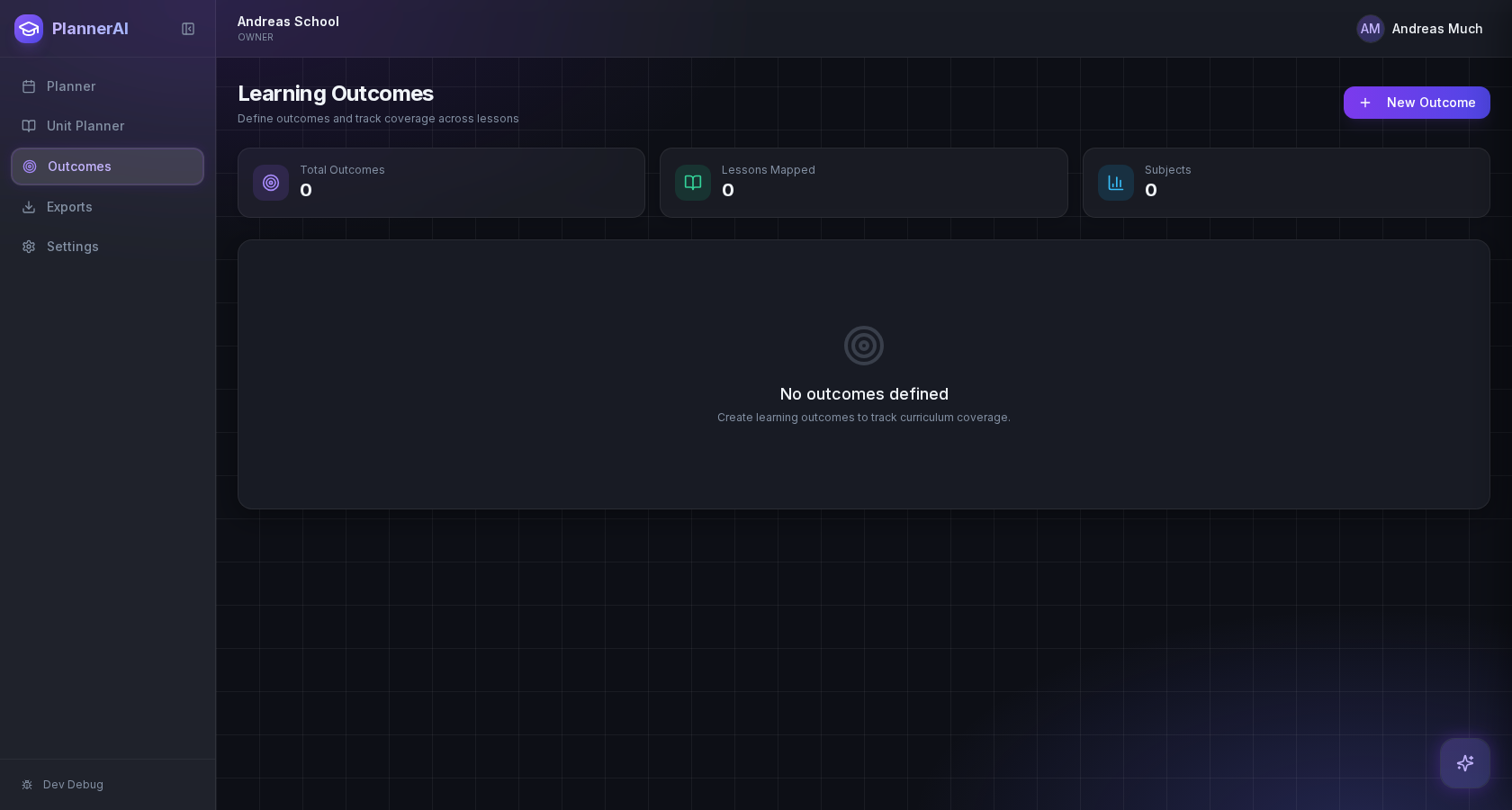
Import your curriculum outcomes, link them to lessons, and track real-time coverage across subjects. Know which standards you've taught and which still need attention — before the end of term.
- Hierarchical outcome trees (Alberta PoS and more)
- AI auto-suggests relevant outcomes per lesson
- Coverage tracking across the school year
Voice Planning
Listening...
"Tomorrow for Social Studies 9A, I want to start with a quick review of Chapter 3, then introduce the mapping activity. They'll need the atlases from the resource room."
Planlark understood:
Class: Social Studies 9A — Thursday, Cycle 3, P2
Lesson: Chapter 3 Review + Mapping Activity
Materials: Atlases (resource room)
Plan with your voice.
Walking to class. Driving home. Eating lunch. Whenever a plan forms in your head, just say it. Planlark listens, understands context, and structures it into your schedule. No typing, no clicking through menus.
Speak naturally — Planlark maps your words to classes, dates, and periods
Works for lesson planning, schedule queries, and quick adjustments
"What do I teach next period?" — answered instantly by voice
End every day with clarity.
Most planners stop after you write the lesson. Planlark adds the step most tools skip — a structured daily debrief. In under three minutes, mark what you completed, log what changed, and note what you'd do differently. Over weeks and months, this builds a powerful picture of your teaching.
Mark lesson status: completed, partial, skipped, or modified
Add quick notes: "Students struggled with factoring — review next class"
AI spots patterns: "You consistently run over on Wednesday afternoons"
Your reflections carry forward into tomorrow's plan
Daily Debrief
Thursday, March 12
Shortened intro — more time for hands-on
Ran out of time on safety demo
AI Insight
Mech Studies 8 has run over 3 of the last 5 classes. Consider splitting the safety demo into two shorter sessions.
A planner that remembers.
Planlark isn't a blank notebook you fill every morning. It builds a picture of your teaching over time — what you've covered, how lessons went, which classes need review, and what makes sense to teach next. The longer you use it, the more useful it becomes.
Continuity across weeks
Planlark knows what you taught last Tuesday and what the logical next step is.
Suggestions, not noise
AI recommends lesson content based on your actual teaching history — not generic templates.
Pattern recognition
See which classes fall behind, which activities work, and where your time actually goes.
How it works
From setup to daily flow
Planlark is built around a daily cycle that helps you teach more effectively over time — not just plan more efficiently.
Set up your schedule
Define your rotation cycle, period times, and class blocks. Import or build from scratch in minutes.
Plan each lesson
Add objectives, materials, and activities. Use voice or text. The AI fills in context you might miss.
Teach and adapt
During the day, use voice commands to adjust — swap lessons, add events, or get a quick activity idea.
Debrief and reflect
At day's end, spend three minutes logging what happened. Let the AI connect the dots over time.
Frequently asked questions
Ready to plan differently?
Planlark is built for teachers who want more from their planning tools. Join the early access list and help shape what comes next.